
One gym One connected management system
A connected digital solution that organizes HAMMAM GYM's operations, streamlines membership management, supports staff workflows and brings essential member services into a modern digital experience.
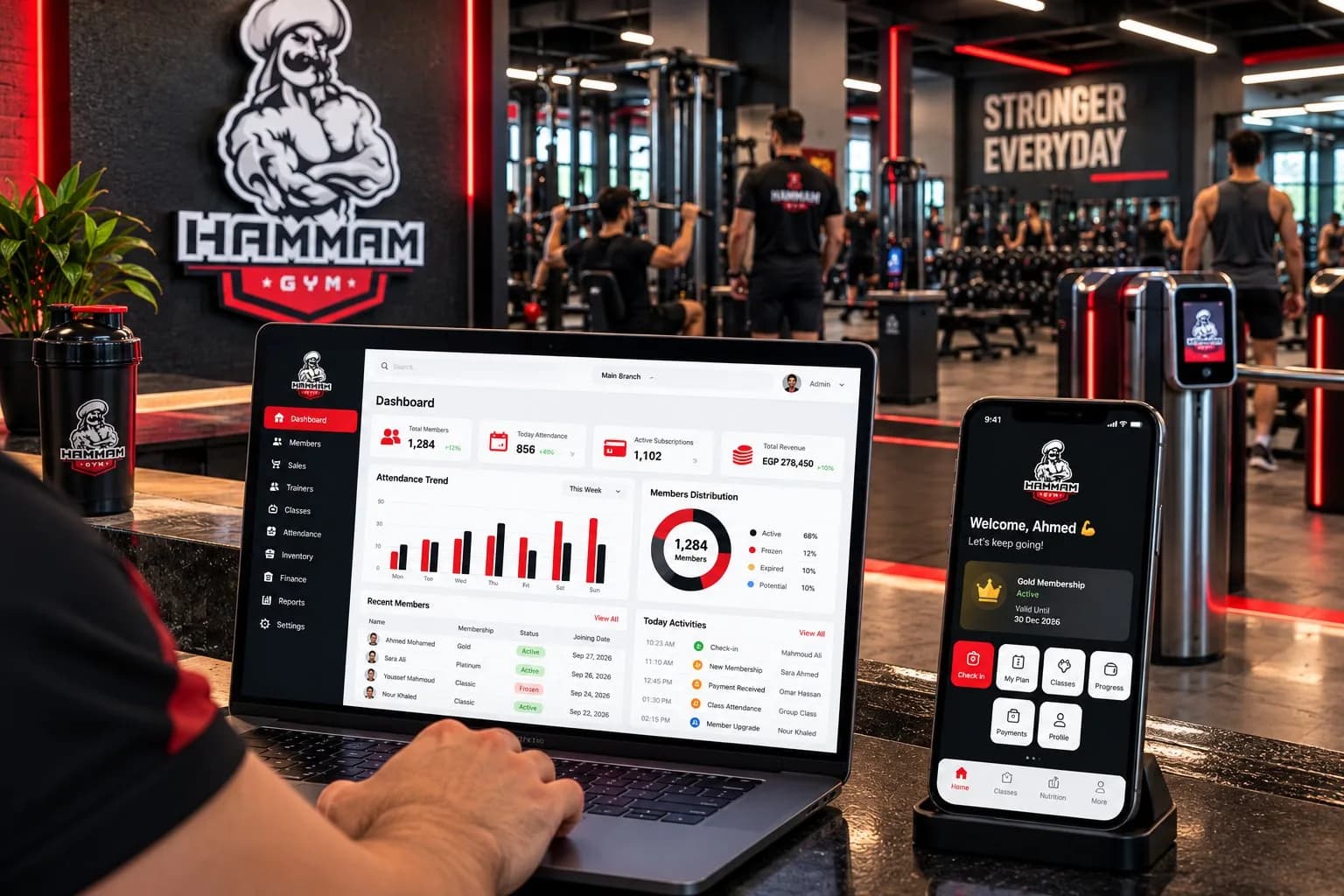 Illustrative visuals
- Management system
- Member app
- Memberships & payments
- Trainers & classes
- Access control
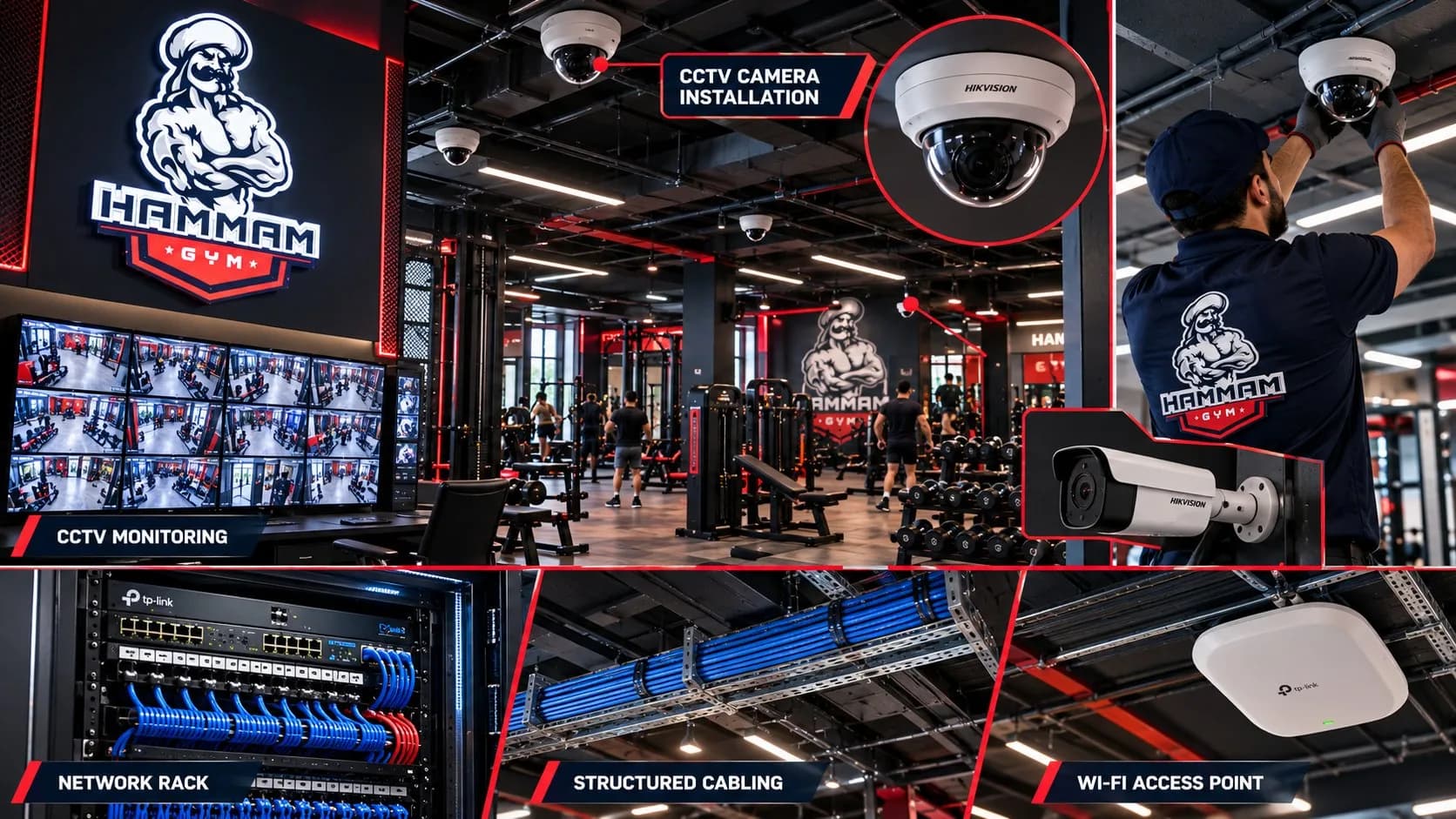
- CCTV & network
A Complete Digital Platform for Gym Operations
HAMMAM GYM's core workflows — memberships, payments, attendance, sales, trainers, stock and accounts — run from one administrative environment, supported by a branded member app and the technology on the gym floor.
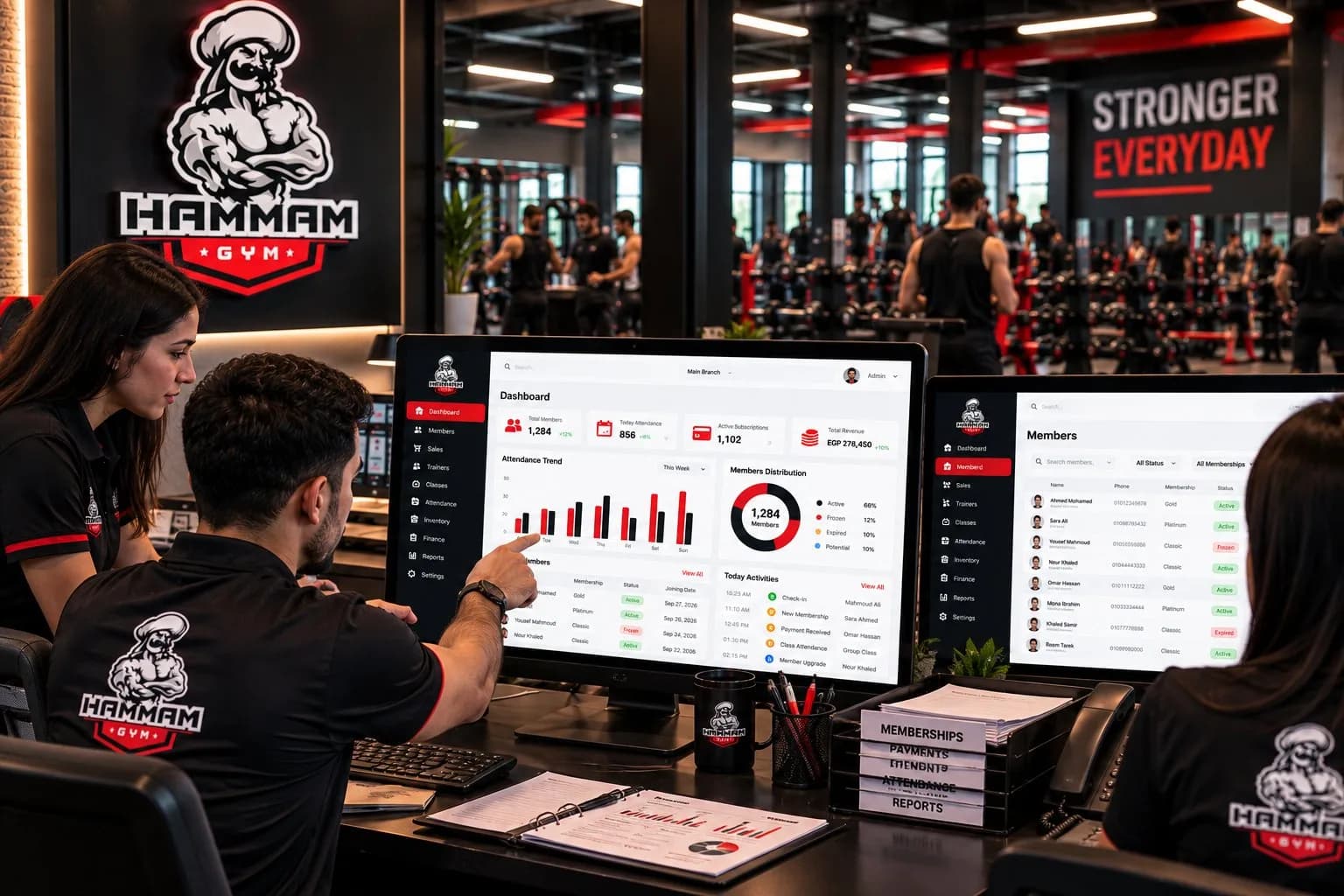 Illustrative image
Centralized Management
Members, memberships, branches, staff and daily operations, managed from one administrative system.
Connected Member Experience
A branded app as the member-facing side of the same solution.
Smart Access & Attendance
The entrance joins the same operational picture.
Operational Visibility
Attendance, sales, finance and reports in view.
Every Operation, Organized in One Dashboard
Eight modules follow the way a gym operates — from a lead's first visit, through membership, training and payments, to stock, accounts and reports.
Members & Memberships
The member file at the centre of the system — profile, memberships, payments and attendance in one record.
- Member profiles and records
- Membership activation, renewal, freezing, transfer, upgrade and downgrade
- Receipts, payments, wallet management and outstanding balances
- Attendance history and member activity
MembersBranchesSales & CRMTrainersInventoryFinanceReportsEmployeesIllustrative interface with placeholder data — not a production screenshot.
Connecting Gym Operations with Access Control
Access devices at the entrance, cameras across the training floor and a structured network behind them — the physical layer of the same solution.
Entrance turnstiles
Permit or deny entry according to their configuration.
Wristband & credential readers
Accept the authorized credential a member presents.
CCTV monitoring
Cameras across the training floor, viewed from a central screen.
Network & Wi-Fi
Rack, structured cabling and access points connecting devices to the system.
Device models, access rules and network layout follow the configuration deployed at the gym.
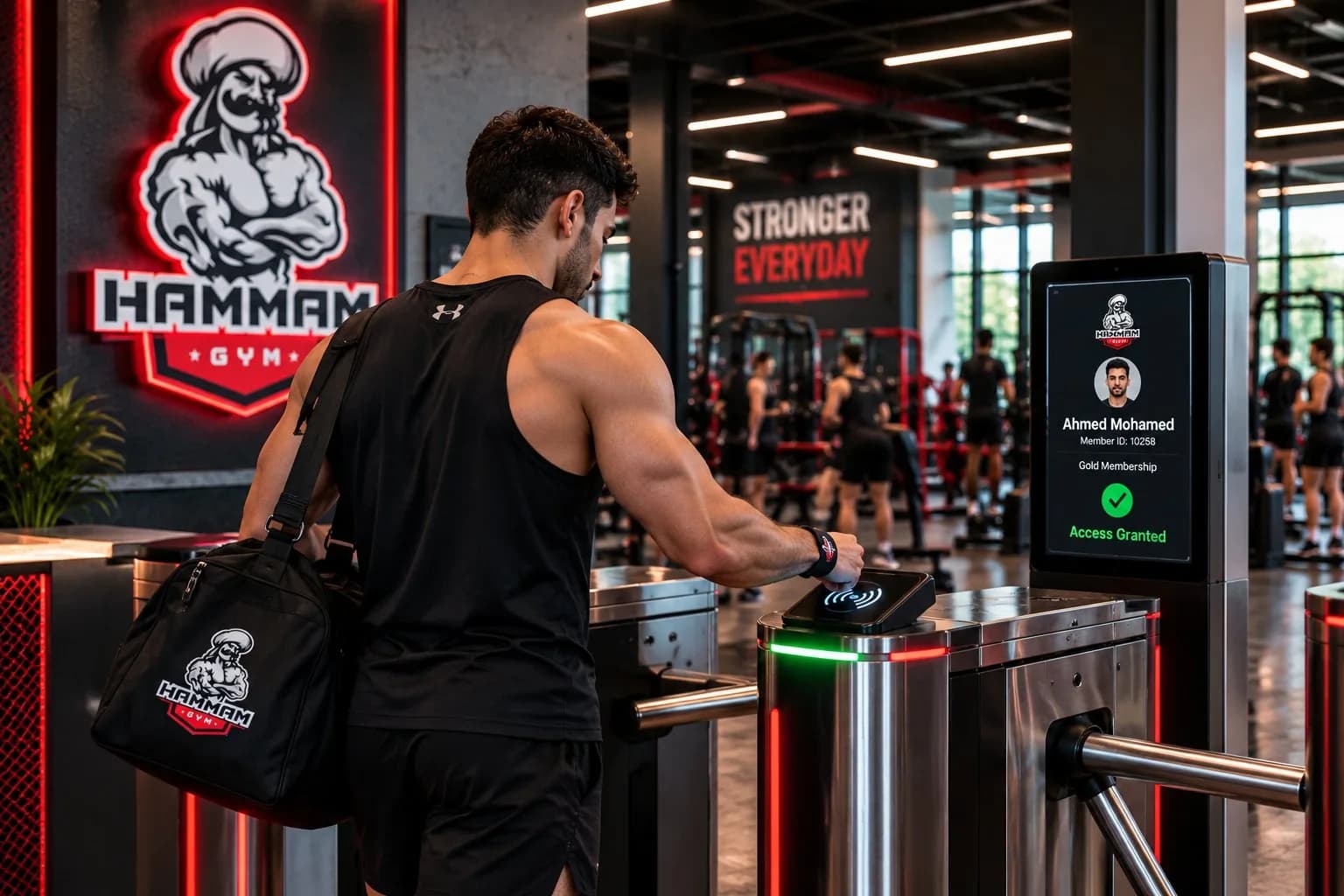 Illustrative image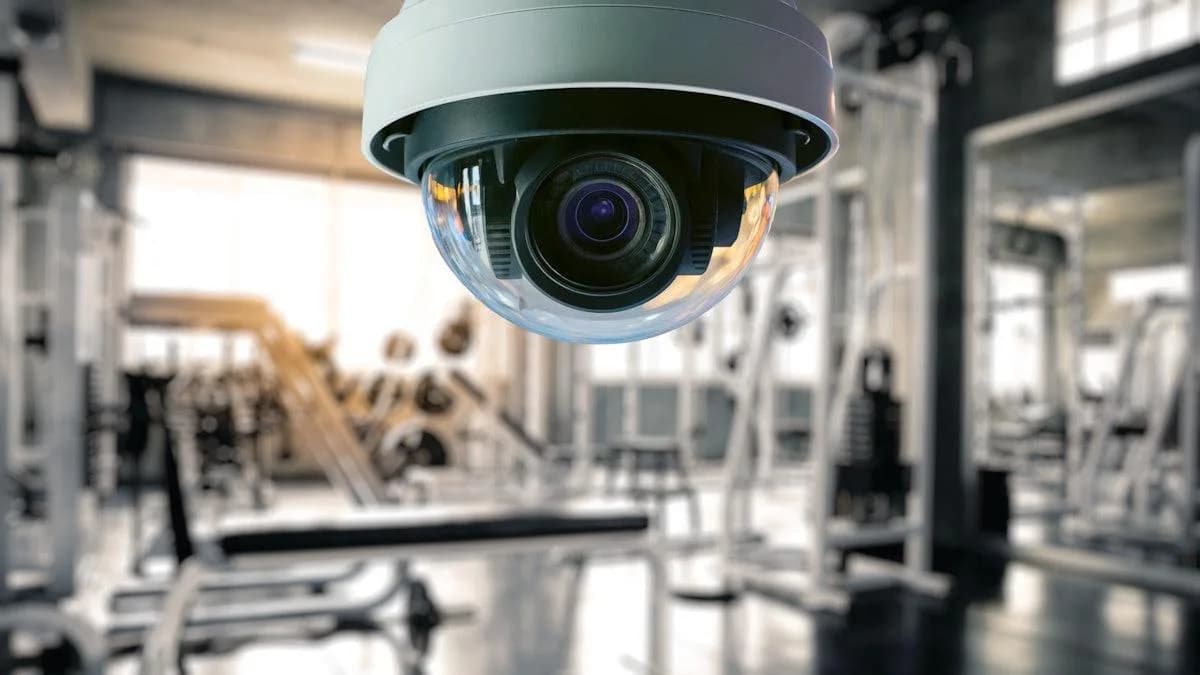
The Gym Experience, Connected to the Member
Membership, check-in, classes, progress and payments in HAMMAM GYM's own app. Select a feature to preview its screen.
Screens are illustrative app concepts; the final screen set follows the production app's confirmed features.
Membership Lifecycle, Seamless Entry
Every membership action is kept in the member's file. At the entrance, the configured access device checks the member's credential before the gate opens.
Activation & renewal
Membership freeze
Upgrade & downgrade
Membership transfer
At the entrance, in four steps
- 01
Credential presented
The member presents an authorized wristband or credential at the turnstile.
- 02
Conditions checked
The access device checks the conditions configured for it.
- 03
Entry permitted or denied
The gate responds according to the device and system configuration.
- 04
Attendance recorded
Attendance-related information is handled in the gym's operational workflow.
Illustrative imageOne Visit, From the Phone to the System
The membership lives in the app, the entrance checks it, and the visit lands in the management system.
The membership is active in the app
The access device checks the credential
The visit is recorded
For members
- See membership status and validity
- Open a personal member code for check-in
- Browse class schedules and training plans
- Follow progress and payments
For the gym team
- Manage members, memberships and renewals
- Follow up on leads and sales commissions
- Assign trainers, goals and body-composition assessments
- Track stock, purchases and accounts
- Review attendance, collection and expiry reports
- Control roles with screen- and action-level permissions
Member-facing items follow the production app's confirmed features; staff access follows each role's permissions.
Hardware and Software, Working as One
Follow one visit through the system — select a step to see which part of the solution handles it.
Authorized staff
Review information by permission.
Member app
The member-facing interface.
Central management system
Members, memberships, roles, records and reports.
Turnstiles & readers
Check credentials at the entrance.
Network & CCTV
Connects devices, cameras and screens.
From Operational Requirements to a Digital Solution
Four stages, from understanding the gym's operations to a working, connected system.
An implementation framework — not a dated project schedule.
Requirements & Workflow Analysis
Understanding gym operations and management requirements.
System Configuration
Organizing modules, workflows and permission structures.
Interface & Application Experience
Presenting the management system and the member-facing app.
Deployment & Integration
Deploying the system and app, with device and infrastructure integration where included in scope.
One Digital Foundation for Gym Management
Management Software
Centralized operational workflows and administrative tools — memberships, sales, trainers, inventory, finance and reports.
Mobile Experience
A branded digital interface for members, according to the app's confirmed capabilities.
Operational Connectivity
Reporting, configured access devices, CCTV and network infrastructure where applicable.

Projects Delivered to the Highest Standards

Plan Your Tech Project. Request a Site Visit Today
Share your needs and our experts will visit to assess your site and advise on the right solution.